
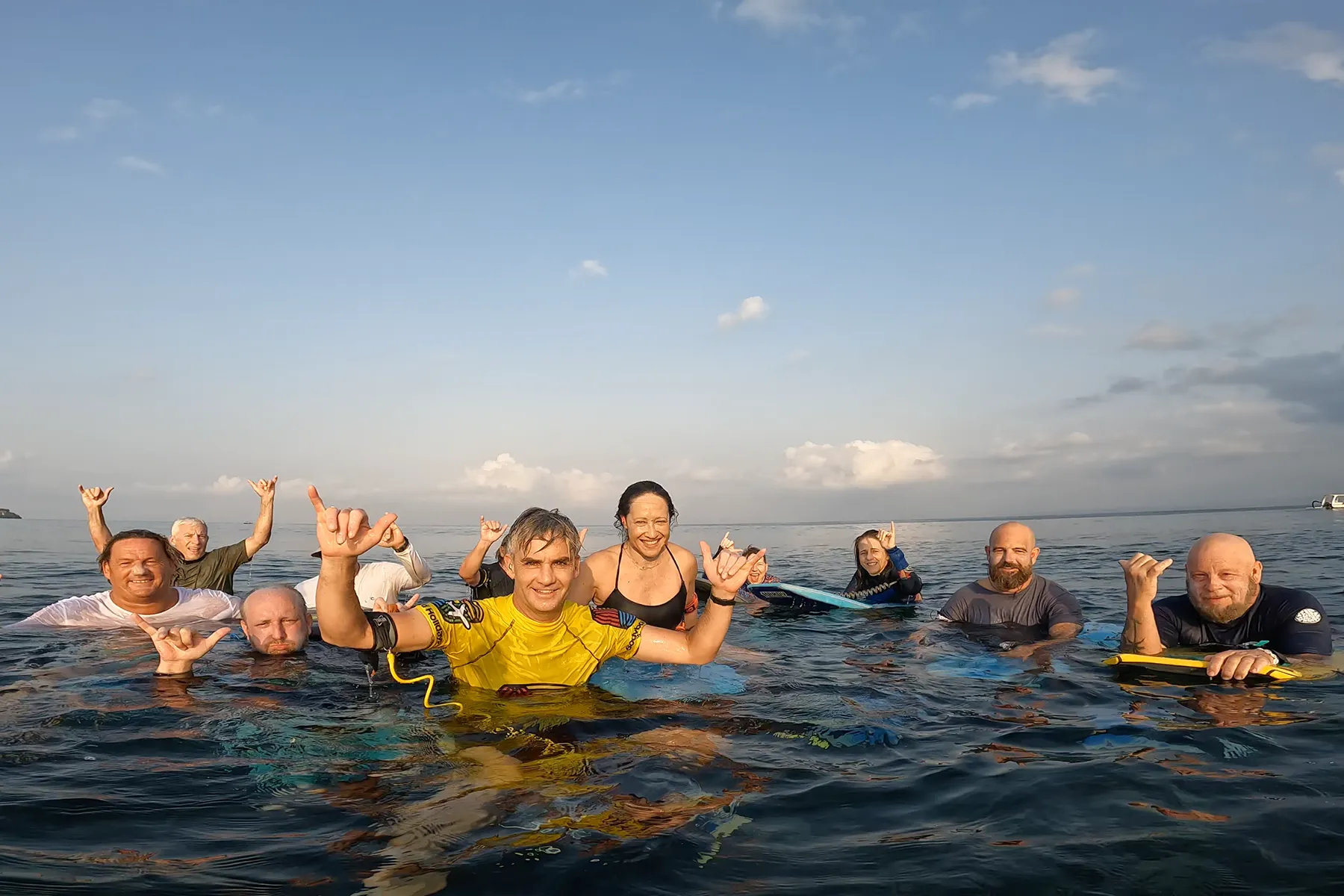
On every international trip and weekend aim to score the best footage of your waves! This guide explains how to find, download and share your Bodyboard Holidays photos, video clips and frame grabs, with a few simple notes during your trip to make your best waves easier to find afterwards.
Your Bodyboard Holidays Media Is Free to Download
All photos, video clips and frame grabs are free to download. Save individual favourites or a whole album to your phone or computer. Physical prints are optional and at your own cost.
Stage 1
During Your Trip: Keep Notes of Your Best Waves
1. Wear a Waterproof Watch
We recommend wearing a waterproof watch in the water. Even a cheap one will do. Knowing when you caught a wave makes your footage much easier to find later.
2. Remember the Times of Your Best Waves
Caught a great wave? Note the approximate time, for example 10:23 am. You do not need every wave, just the ones you would most like to find.
3. Write Down Your Session Details
After your session, jot down the date and day of the trip, your coaching group, whether it was the morning or afternoon session, and the approximate times of your best waves.
Groups can change during the trip, so note yours each day. If you are unsure which group you were in, check your trip WhatsApp group.
Stage 2
After Your Trip: Find Your Photos and Videos on SmugMug
4. Get Your Trip Gallery Link
Our team organises and uploads the trip’s photos and videos to SmugMug. When the gallery is ready, we will share the link in your trip WhatsApp group.
Some remote destinations have limited internet, so footage may come back to the UK before it is uploaded. There is no set upload date. We will share the link when everything is ready.
5. Find Your Photos and Video Clips
Open the gallery and browse by day and date, coaching group and where it was filmed. File names include the date and time. Look for files close to the times in your wave notes.
- Water: filmed in the water.
- Land: filmed or photographed from the shore.
- Drone: aerial footage, on some trips.
Cannot spot yourself straight away? Check nearby times and other groups.
6. Download Your Free Photos and Videos
Save your media to your phone or computer. You can choose individual files and save your favourites, or download everything in a whole album in one go.
- Full video clips: the original clips.
- Photos: photographs taken during your sessions.
- Frame grabs: still images taken from the video.
All media downloads are free. If you need help finding your gallery or footage, ask in your trip WhatsApp group.
Stage 3
Enjoy and Share Your Bodyboarding Photos and Videos
7. Share Your Best Moments
Your media is yours to enjoy. We would love to see your favourite waves and memories on social media, and we enjoy sharing guests’ best moments too.
Tag @bodyboardholidays and use #bodyboardholidays when you share your photos and clips.
Planning another trip with the people you shared those sessions with? Browse our bodyboarding holiday destinations for ideas.
Photos and Videos From Our Trips
A look at some photos and frame grabs captured on our bodyboarding trips.
Frequently Asked Questions About Your Trip Media
When Will My Bodyboard Holidays Gallery Be Ready?
There is no set upload date. Our team organises the trip’s photos and videos, then uploads them to SmugMug. At remote destinations, limited internet may mean footage comes back to the UK first. We will share the gallery link in your trip WhatsApp group when everything is ready.
What Should I Do If I Cannot Find My Footage?
Use your wave notes to check the relevant day, date, session and coaching group. File names include the date and time, so look around the approximate times of your best waves. If you cannot spot yourself straight away, check nearby times and other groups, or ask in your trip WhatsApp group.
What Is a Frame Grab?
A frame grab is a still image taken from a video. Our team picks out some of the best moments from the footage and turns them into images for social media, phone backgrounds and screensavers. Our water footage is filmed in 4K at 60 frames per second, so water frame grabs generally print well up to A4.
Can I Order Printed Photos of My Trip?
Yes. You can order physical prints through SmugMug or any online photo printing service. Printing is optional and at your own cost. You can also download the digital files to keep on your phone or computer. Downloading your digital photos, video clips and frame grabs is always free.
Need Help With Your Bodyboard Holidays Media?
For questions about your gallery or footage, ask in your trip WhatsApp group. You can also meet the Bodyboard Holidays team behind the trips.
Once you have saved your favourites, you will have the waves and memories to look back on. Keep your notes during the next trip to make finding those moments easier. If you are ready to plan more sessions with us, check the calendar for upcoming holidays and coaching weekends.
Plan Your Next Bodyboarding TripWhich wave from your trip are you most looking forward to watching again?
